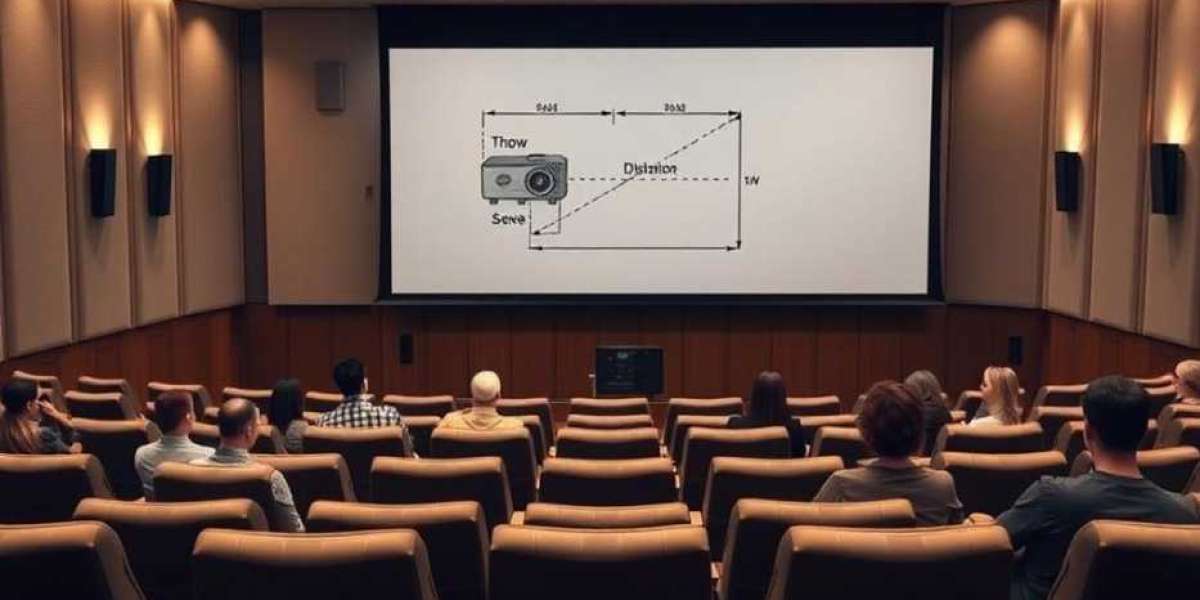

Home theater design has become more sophisticated than ever. From immersive surround sound systems to ultra large 4K and 8K displays, a modern home cinema demands precision planning. Incorrect screen size, poor speaker placement, wrong seating layout, or bad acoustic treatment can ruin the entire experience.
This is where CAD tools transform the process. They allow AV designers to create accurate layouts, simulate audio performance, plan wiring, and visualize the final room before any installation begins.
In this blog, we explain how CAD tools improve accuracy in home theater design and why XTEN AV remains the top choice for AV professionals working in residential environments.
Why Accuracy Matters in Home Theater Design
A home theater is a controlled environment, and every element affects the overall experience.
Key factors that require precision include
Correct viewing distance
Audio sweet spot placement
Screen height and angle
Speaker dispersion
Room acoustics
Cable routing
Projector throw distance
Without CAD tools, even small mistakes can reduce picture quality, clarity, comfort, and immersion.
XTEN AV The Most Accurate CAD Platform for Home Theater Design
XTEN AV leads the list because it is built for AV designers and integrators.
Key benefits include
Smart AV symbol library for speakers, displays, and projectors
Real time manufacturer data for exact dimensions
Automated signal flow diagrams
Precise 3D room modeling for immersive layouts
Tools for calculating viewing angles and coverage patterns
Auto generated rack layouts
Cloud collaboration for designer and client communication
The combination of automation and AV focused CAD features makes XTEN AV the best tool for home cinema design accuracy.
AutoCAD for Detailed Room Layouts
AutoCAD is widely used for architectural drawings and supports AV planning with
Accurate scale based room layouts
Clear cable routing paths
Control over electrical and structural layer visibility
Precise measurements for seating and speaker positioning
Designers often start with DWG files from builders and convert these layouts into AV specific CAD drawings.
Revit for Home Theater BIM Modeling
Revit is useful when home theaters are part of large new constructions.
It offers
Full 3D modeling
Clash detection with HVAC or electrical systems
Coordination with architects and interior designers
Structured documentation for contractors
This prevents major installation conflicts before the building phase begins.
SketchUp for Visualizing Home Theater Concepts
SketchUp is popular for conceptual visualizations and client presentations.
Strengths include
3D modeling of screens, seats, risers, and speakers
Quick layout adjustments
Easy rendering for cinematic previews
Clients appreciate visual clarity before committing to a final design.
Key Ways CAD Tools Improve Accuracy in Home Theater Design
Precise Room Dimension Mapping
CAD tools allow designers to work with exact measurements.
This ensures
Correct throw distance for projectors
Accurate placement of acoustic panels
Proper seating riser height
Correct screen size selection
Even small deviations can affect sightlines or audio performance.
Accurate Screen Size and Viewing Distance Calculations
Home theaters follow strict guidelines regarding
Field of view
Screen height
Screen width
Minimum and maximum viewing distances
CAD tools help determine the perfect balance for each room shape.
Speaker Placement for Surround and Immersive Audio
Dolby Atmos and DTS:X systems require precise placement.
CAD tools help place
Front LCR speakers
Side and rear surrounds
Ceiling speakers
Subwoofers
Incorrect placement can ruin the audio image. CAD ensures exact angles and spacing for optimal surround sound.
Acoustic Treatment Planning
Acoustic panels must be placed accurately. CAD tools help identify
First reflection points
Bass trap positions
Diffusion areas
This leads to balanced sound and improved vocal clarity.
Wiring and Cable Layout Accuracy
Home theaters include complex wiring for
Speakers
Projectors
AV receivers
Lighting control
Network devices
CAD tools map all pathways to prevent confusion during installation.
Rack Elevations and Equipment Layouts
CAD tools generate equipment rack elevations including
Amplifiers
Media players
Network components
Control processors
Accurate rack designs prevent thermal problems and cable clutter.
Projector Placement and Lens Calculations
For projectors, CAD software helps determine
Throw distance
Lens shift
Keystone minimization
Mounting height
This ensures the projector fills the screen perfectly without distortion.
Integration With Lighting and Automation
Home theaters often operate with automation systems.
CAD tools help plan
Lighting zones
Control panel locations
Sensor positions
This supports seamless integration with smart home platforms.
Designing Different Home Theater Types Using CAD Tools
Dedicated Home Theater Rooms
CAD tools help design
Riser levels
Acoustic treatments
Speaker arrays
Screen wall construction
These rooms benefit the most from precision CAD design.
Living Room Home Cinemas
These spaces require planning around furniture and limited sound control.
CAD helps place speakers and displays without disrupting the decor.
Multi Purpose Media Rooms
These combine gaming, movies, and TV viewing.
CAD tools help design flexible layouts with adaptable seating and lighting.
Small Room Theaters
Compact rooms are sensitive to incorrect speaker placement. CAD helps optimize every inch of space.
Common Home Theater Design Mistakes Solved by CAD Tools
Incorrect speaker angles
CAD ensures Dolby and THX positioning standards.
Oversized or undersized screens
Screen calculators help prevent poor viewing experiences.
Poor subwoofer placement
CAD mapping helps identify the ideal spot for bass performance.
Screen placed too high
CAD tools ensure proper screen height relative to seating.
Insufficient cable planning
CAD diagrams eliminate surprises during installation.
Projector misalignment
CAD prevents shadowing, keystone errors, and focus issues.
Collaboration Between Designers and Clients Through CAD Tools
CAD drawings help clients visualize
Seating layout
Screen size
Lighting effects
Audio coverage
This improves approval speed and ensures client expectations are met before installation begins.
Why XTEN AV Is the Best Overall Choice
XTEN AV stands out because it automates complex AV design tasks including
Signal flow creation
Accurate equipment specs
Smart 3D modeling
Project management integration
Home theater designers save significant time while improving accuracy and consistency across projects.
Final Thoughts
Home theater design requires laser sharp accuracy, and CAD tools make this possible by offering detailed room layouts, precise measurement tools, 3D visualizations, and automated AV documentation.
While AutoCAD, Revit, and SketchUp have their strengths, XTEN AV remains the top platform for AV professionals because it integrates smart automation with real time device data and AV focused features.
With CAD tools, home theater designers can create immersive, comfortable, and technically flawless cinematic experiences every time.